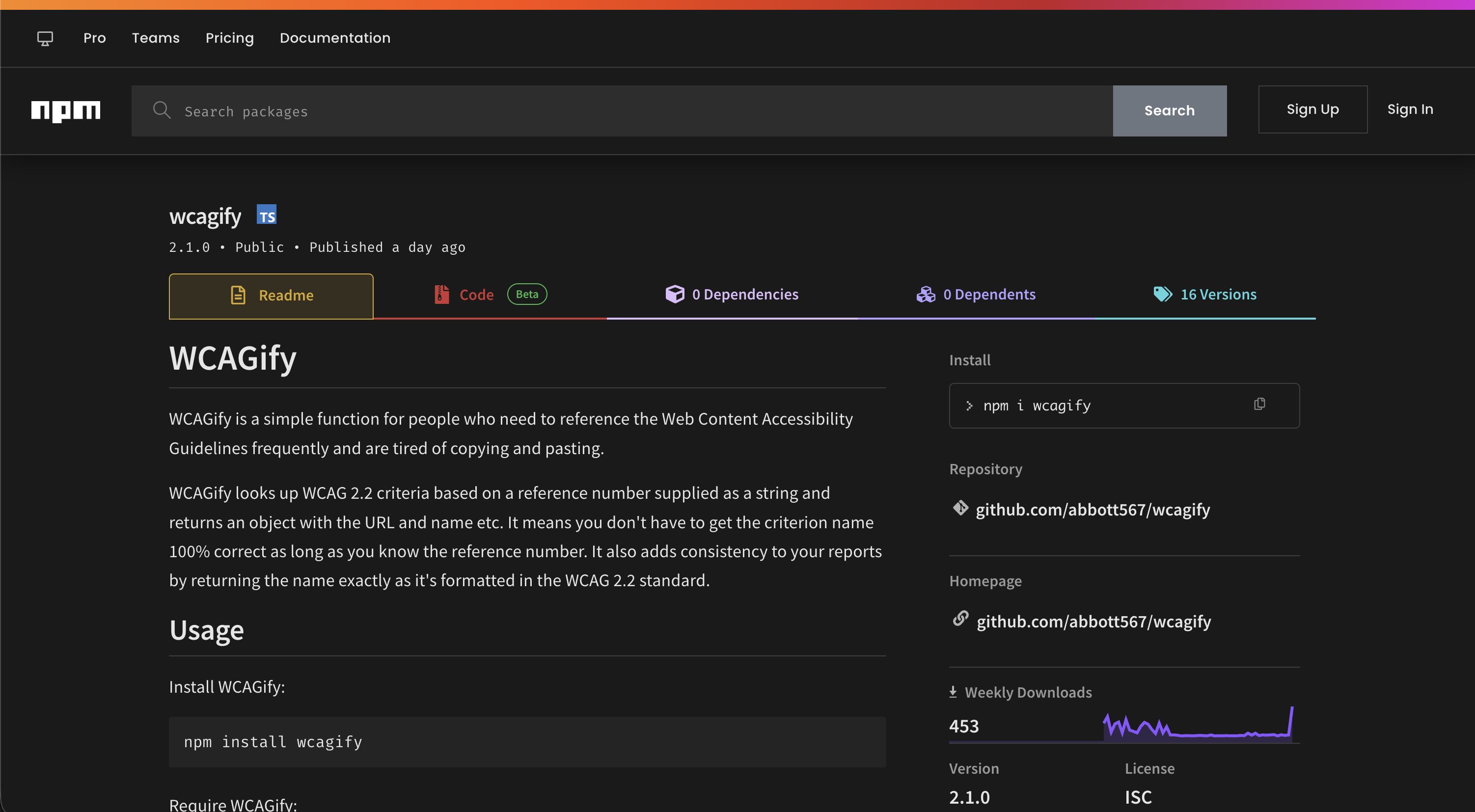
WCAGify
A plugin for people who need to reference the Web Content Accessibility Guidelines frequently and are tired of copying and pasting.
WCAGify looks up criteria from the Web Content Accessibility Guidelines (WCAG) based on a reference number or name supplied as a string, and returns an object with the URL, name, conformance level and who it impacts. It means you don’t have to get the criterion name 100% correct as long as you know roughly what you’re looking for. It also adds consistency to your reports by returning the name exactly as it’s formatted in the WCAG standard.
Situation
We write a lot of accessibility reports. When referencing WCAG, we need to link it back to the documentation, and we often need information such as the level it is categorised under. Sourcing this information every time was slow and laborious, and it’s easy to introduce errors: names get typed inconsistently, links go to the wrong version of the standard, and criteria change between versions.
Task
To write a plugin which would hold all of the information and serve it up by using a simple function to speed up the process when writing reports.
The plugin would need to work with the formats we commonly used, such as Markdown, HTML and Nunjucks, and it needed to be forgiving about input. If somebody writes “1.4.3 Colour Contrast” in a report, the tooling should understand they mean “1.4.3 Contrast (Minimum)”.
Action
I built and published an NPM module so people could install it easily. The first version shipped in 2021 against WCAG 2.1. In 2026 I released version 2.0, which moved to WCAG 2.2 as the default, made lookups much more forgiving, and added filters and a command line.
At its core is a single function. If a string contains a reference number, the number wins and any trailing text is ignored:
const wcagify = require("wcagify");
const result = wcagify("1.1.1 Non-text Content");

result: {
  criterion: "1.1.1 Non-text Content",
  ref: "1.1.1",
  name: "Non-text Content",
  link: "https://www.w3.org/WAI/WCAG22/Understanding/non-text-content.html",
  level: "A",
  impacts: ["Auditory", "Visual", "Cognitive"]
}
Forgiving lookups
You can also look up a criterion by name alone, and case, punctuation and small typos are forgiven. All of these resolve to the same object as the example above:
wcagify("Non-text Content");
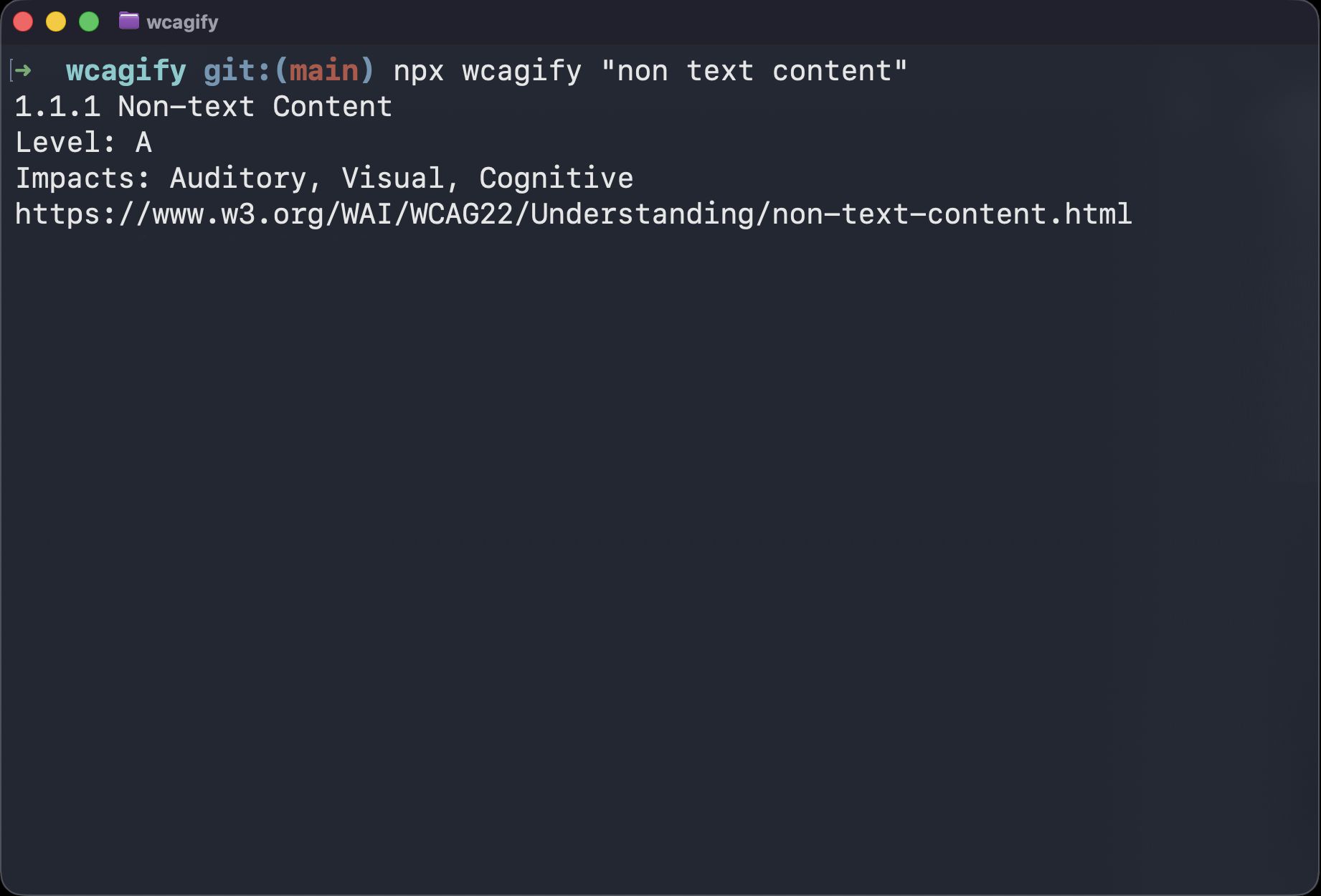
wcagify("non text content");
wcagify("non-text contnet");
If a name-only lookup could match more than one criterion equally well, for example "contrast", it throws an error rather than guessing. Failing fast matters in reports: a wrong link is worse than no link.
For situations where you’d rather branch on the result than catch errors, such as inside templates, wcagify.safe returns null on a miss instead of throwing.
WCAG versions
WCAG 2.2 renamed and removed criteria, and not everybody audits against the newest standard. Passing a version option makes links, names and levels follow WCAG 2.1 instead, so 2.5.5 becomes “Target Size” again, and 4.1.1 Parsing is level A rather than removed:
wcagify("1.4.3", { version: "2.1" });
// link: "https://www.w3.org/WAI/WCAG21/Understanding/contrast-minimum.html"
Checklists and filters
The full list of 87 criteria is available for building checklists, along with filters for conformance level and who a criterion impacts:
wcagify.criteria; // all 87 criteria
wcagify.byLevel("AA"); // only level AA criteria
wcagify.byImpact("Cognitive"); // only criteria impacting cognitive accessibility
Command line
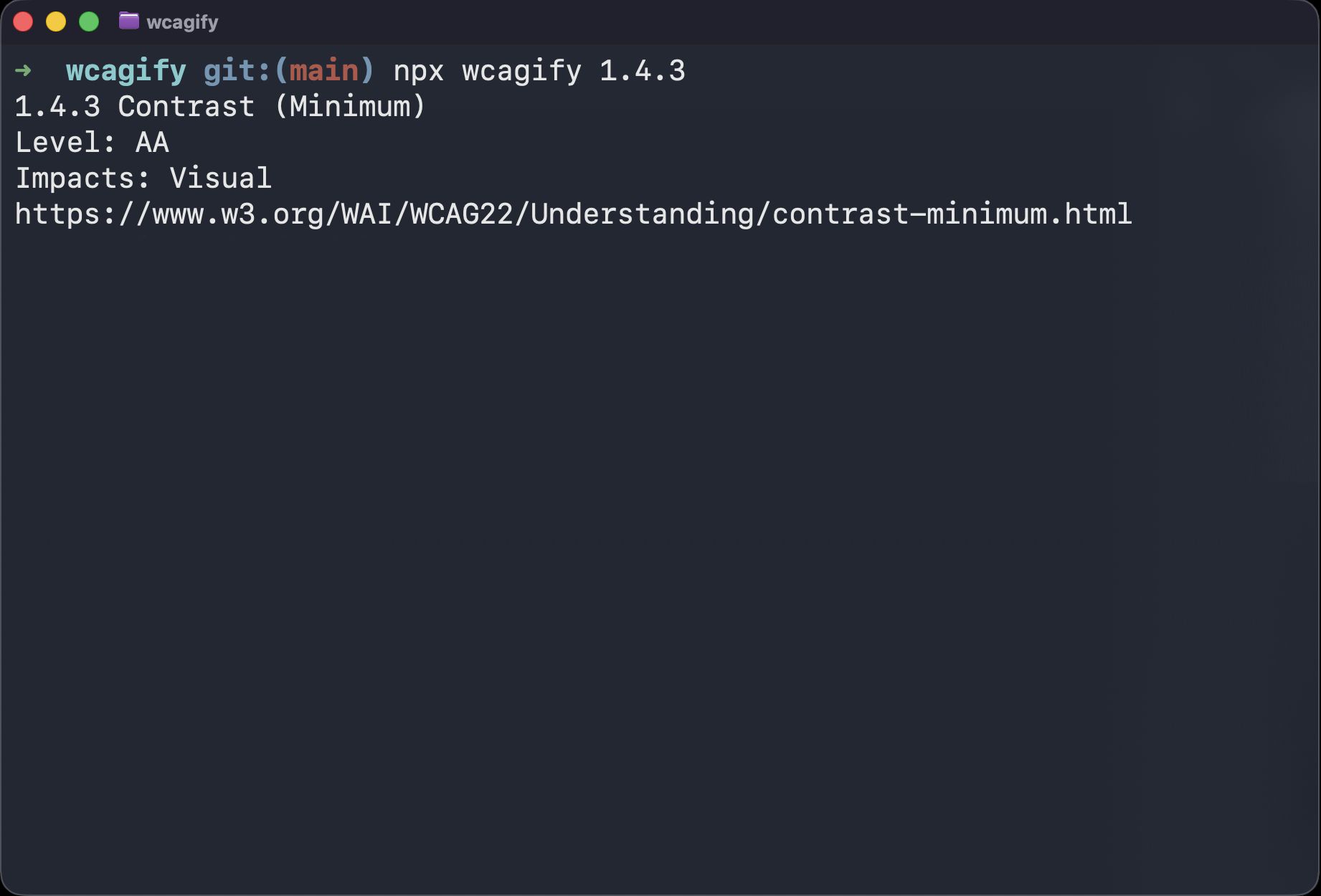
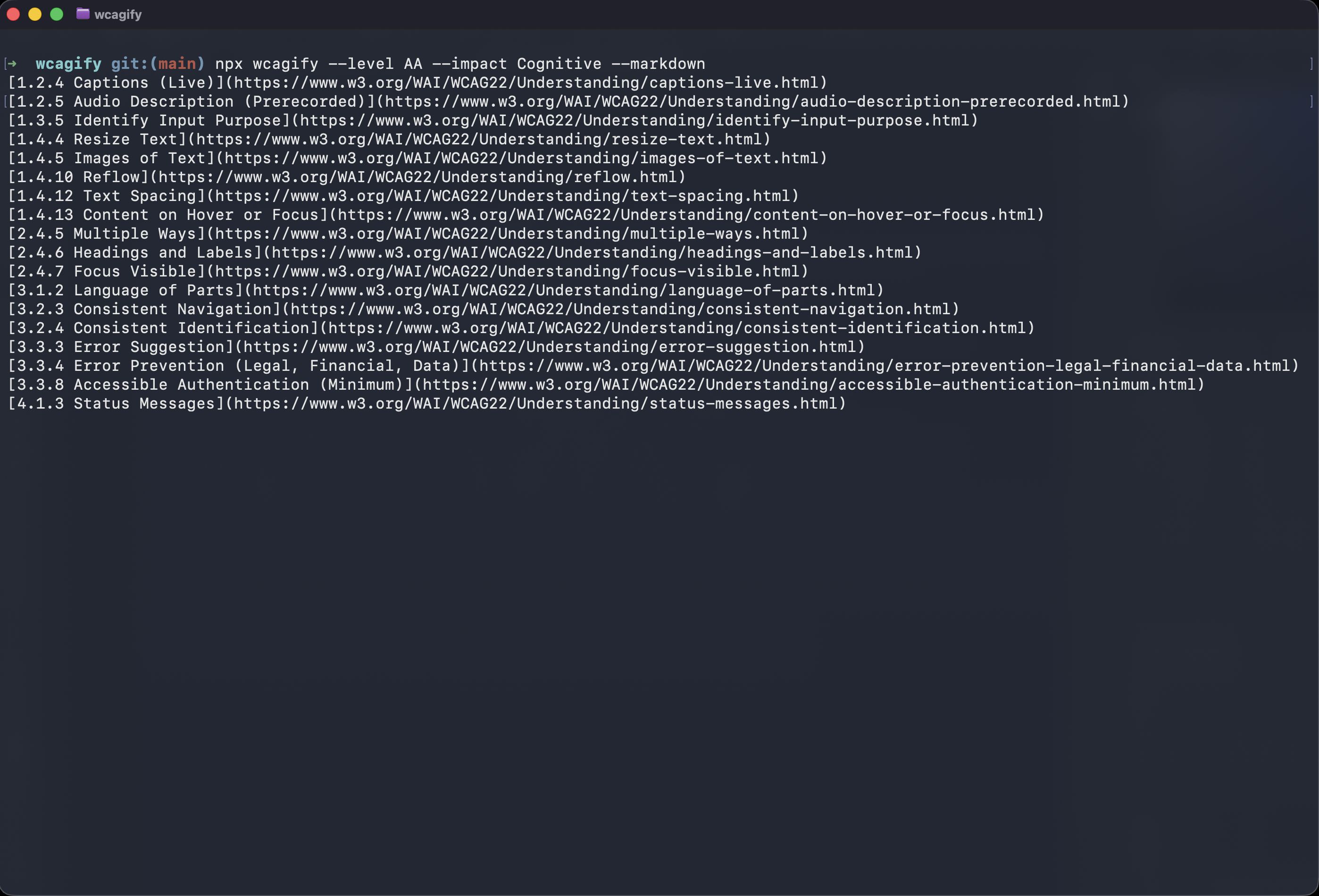
The same lookups work from a terminal, which is handy when you just need a link quickly or want to paste a markdown reference straight into a report:
npx wcagify 1.4.3
npx wcagify focus order
npx wcagify 1.4.3 --markdown
npx wcagify --level AA --impact Cognitive --markdown
Nunjucks filter and macro
I included a Nunjucks filter as our organisation used Nunjucks in most of the services. It is the same templating language that powers the GOV.UK Design System. There’s also a macro built on top of the filter, so you can output a formatted link without templating your own:
// Nunjucks code
{%- from "wcagify.njk" import wcagify -%}
{{ wcagify("1.1.1", { class: "link link--small" }) }}

<!-- Output when compiled -->
<a class="link link--small" href="https://www.w3.org/WAI/WCAG22/Understanding/non-text-content.html">
  1.1.1 Non-text Content
</a>
Markdown extension
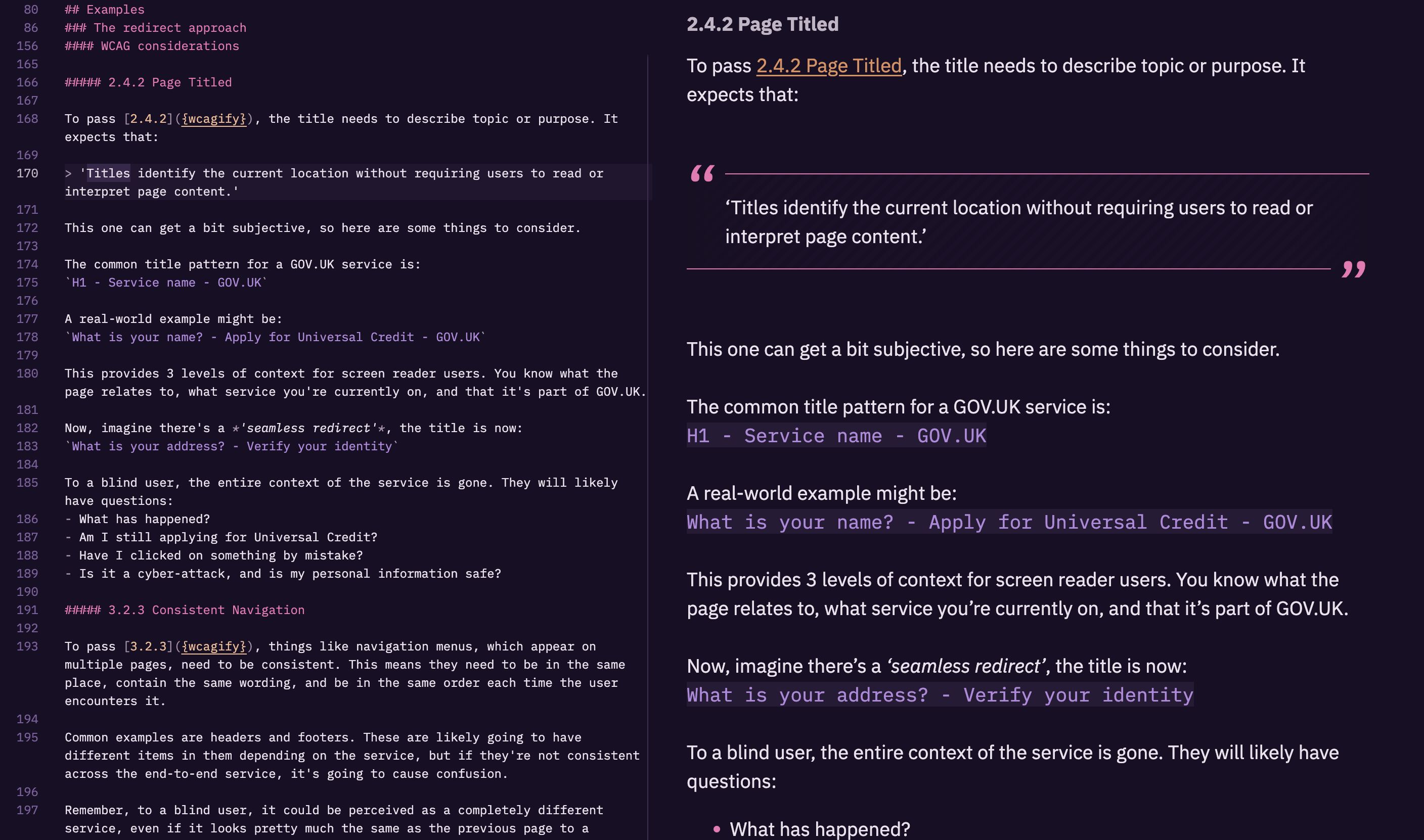
Finally, there’s a MarkedJS extension, so WCAG references written in Markdown compile into correct links. You write the reference as the link text and a {wcagify} placeholder as the URL, and the extension does the rest:
[1.1.1]({wcagify})Setting it up is one line with marked’s extension API:
const { marked } = require("marked");
const wcagifyMarked = require("wcagify/markedjs");
marked.use(wcagifyMarked());
Result
Producing accessibility reports is much faster and more accurate. The WCAG criteria are referenced correctly and consistently, and the links always go to the right place.
This website is proof of that. Every WCAG reference in my blog posts is written with the {wcagify} placeholder and resolved through WCAGify at build time, so the links can never rot. If I mistype a reference, the build fails rather than publishing a broken link.
At a glance
- Type
- Open Source
- Date
- 2021–2026
- Built with
- Links
- Tags