Accessible Marp Decks
Rendering Marp markdown slide decks into a single, self-contained, accessible HTML page that can be shared anywhere.
Accessible Marp Decks renders Marp markdown slide decks into a single, self-contained, accessible HTML page. Every slide is a labelled landmark, headings have stable ids, long code lines wrap instead of scrolling, pagination is announced to screen readers, images are inlined, and the whole deck scales to any window in 16:9 without reflowing.
It isn’t a replacement for Marp or its VSCode preview extension. It’s for sharing your slides afterwards, in a format everybody can actually use.
Situation
I write everything in markdown, and sometimes this includes my slides. Marp is great for that the deck lives in the same repository as the talk notes, and version control works properly because it’s all just text.
The problem is what happens after the talk, when people ask for the slides. Exported decks are where accessibility quietly falls apart with Marp. Slides have no labels or structure, and you get a pile of loose asset files so you need to ship it as a zip and hope nobody separates them. As an accessibility specialist, it would be embarrassing to share slides in this format.
This project started in 2021 as a set of scripts that post-processed Marp’s HTML output. Version 2.0, released in 2026, is a ground-up rewrite.
Task
To turn Marp’s output into something I could hand to anybody with confidence. That meant three things:
- Slides needed to be accessible: Landmarks, labels, headings and focus order that hold up under screen reader testing
- Slides needed to be one file: This means they can be emailed, hosted or attached without anything breaking
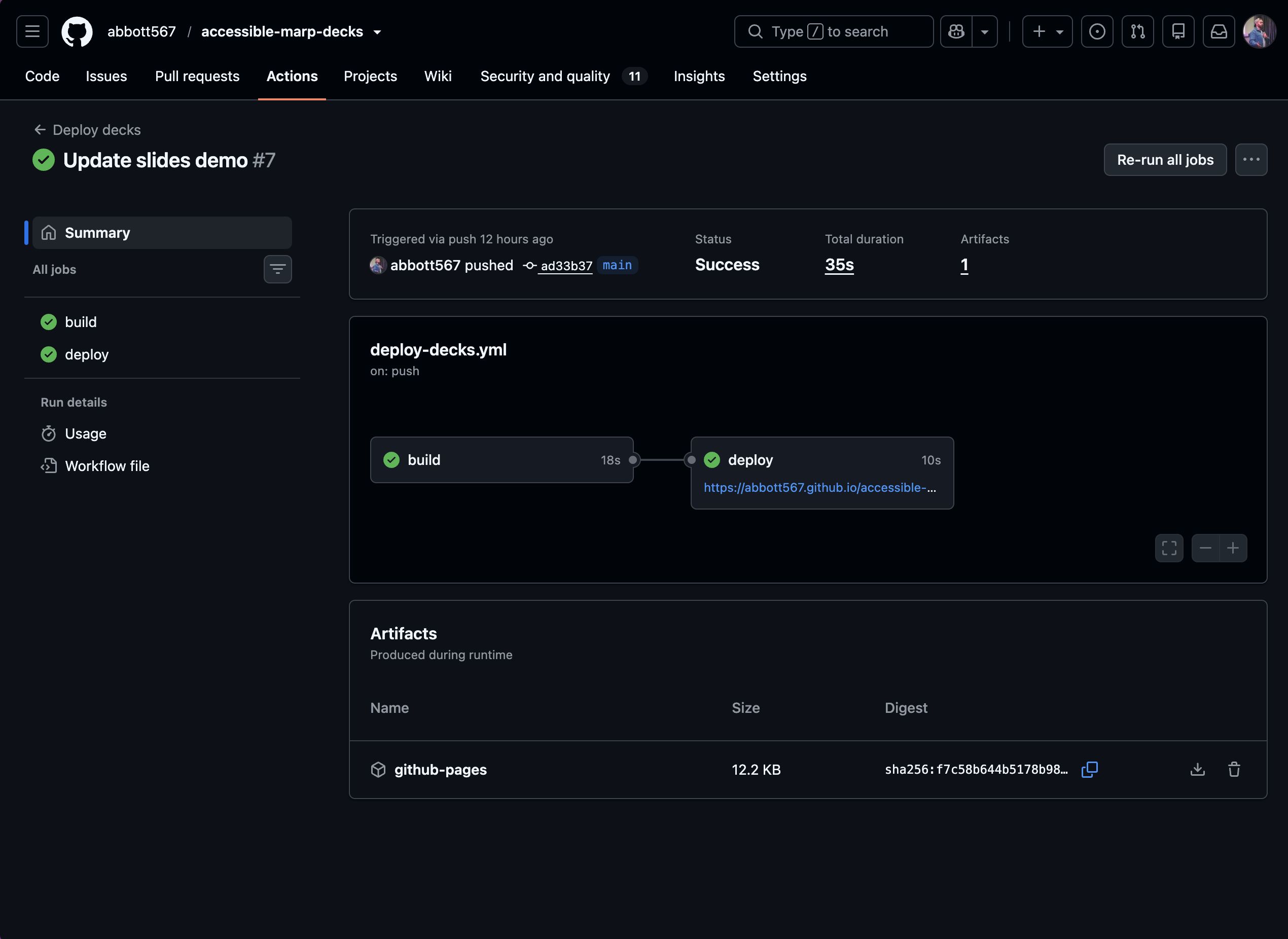
- The build needed to be automated: Because, a manual checklist is the first thing that gets skipped
Action
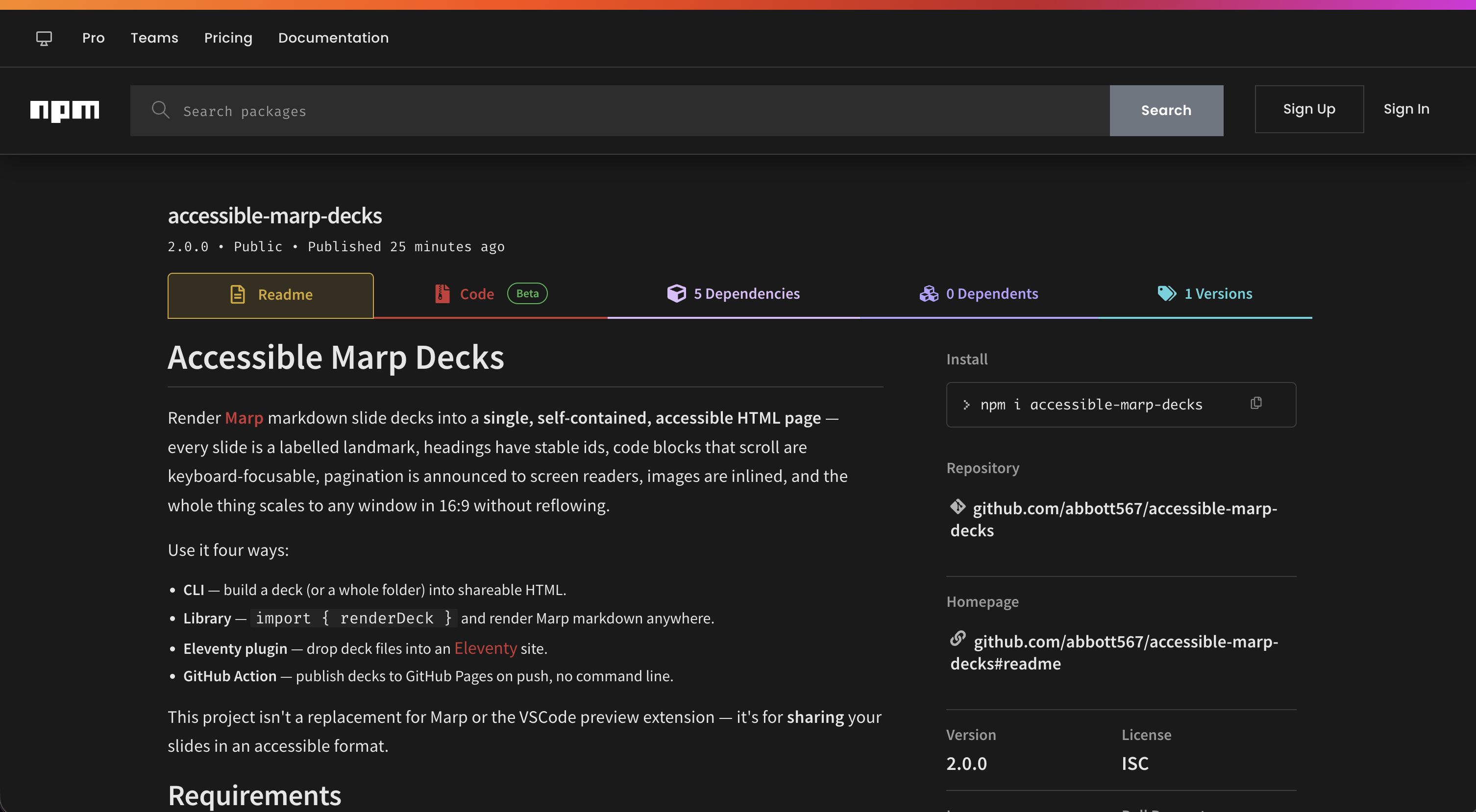
Version 2.0 is an ESM package you can use four ways: a CLI, a library (renderDeck), an Eleventy plugin, and a reusable GitHub Action that publishes decks to GitHub Pages on push.
# Build one deck
accessible-marp build ./slides.md --out ./public

# Build every deck in a folder, with an accessible landing page
accessible-marp build-all decks --out _site
Accessible slide structures
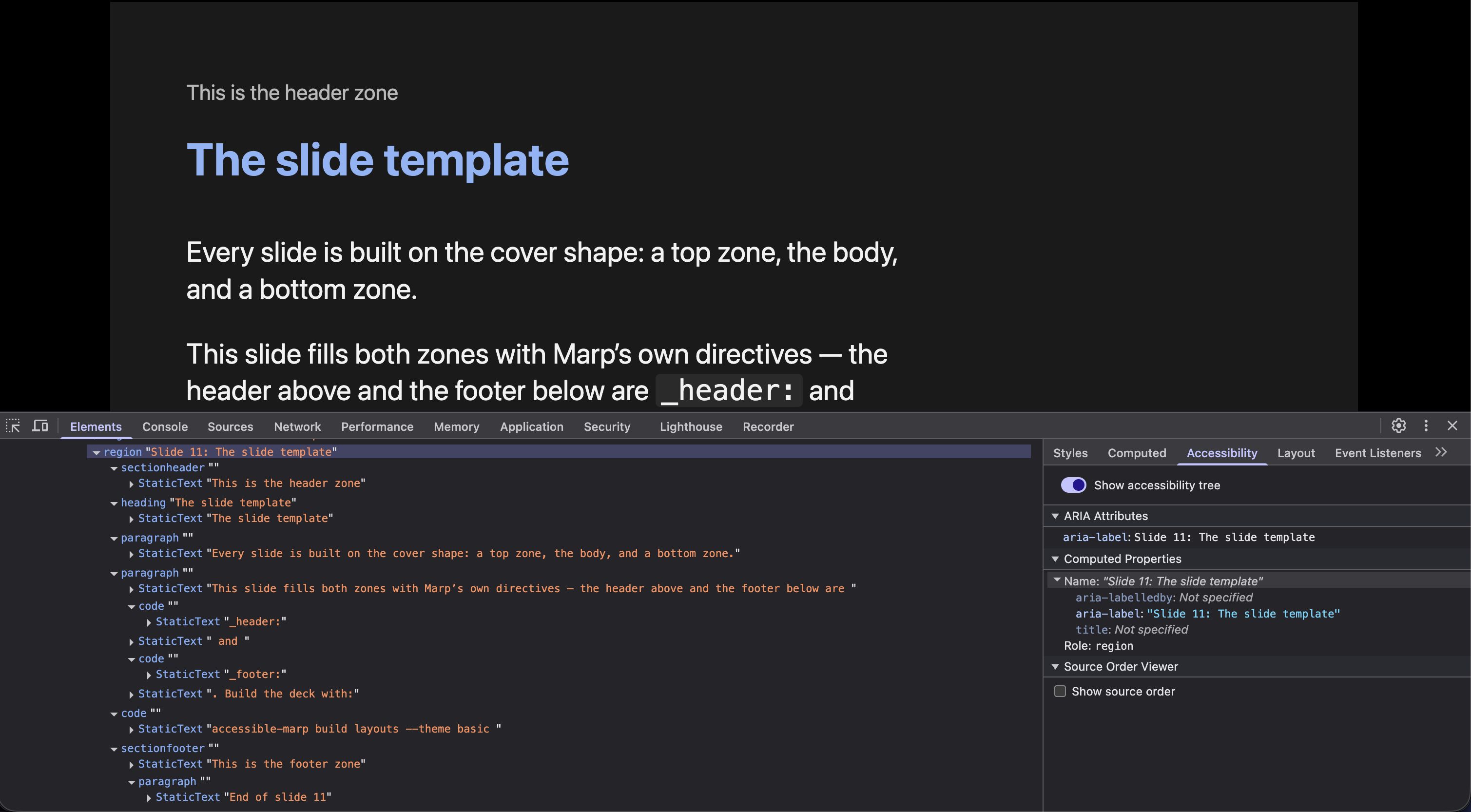
Each slide is rendered as a labelled landmark named from its first heading, and heading-less slides fall back to using it’s number, for example, “Slide [n]”.
Slide numbers are re-written, so they are exposed to screen readers.
Long code lines wrap instead of scrolling, because slides are supposed to be shared as they’re presented, and you wouldn’t scroll during a presentation.
The caption and quote layouts emit real figure and figcaption elements, so a caption is programmatically tied to its content per 1.3.1 Info and Relationships instead of just sitting near it.
These behaviours are all covered by automated tests with 100% coverage enforced in CI, which is what stops them regressing when the templates change.
One self-contained file
CSS is inlined and every image, including Marp’s  background images, is base64-encoded into the page. A built deck is one HTML file that can’t lose its referenced assets, because it doesn’t have any.
Scaling without reflow
Slides are fixed-size compositions, so the deck scales each one to the window as a rigid unit: text, spacing and layout shrink together and nothing reflows. Browser zoom still works on top, the page compensates for devicePixelRatio so zooming enlarges the deck as 1.4.4 Resize Text expects.
Themes and layout
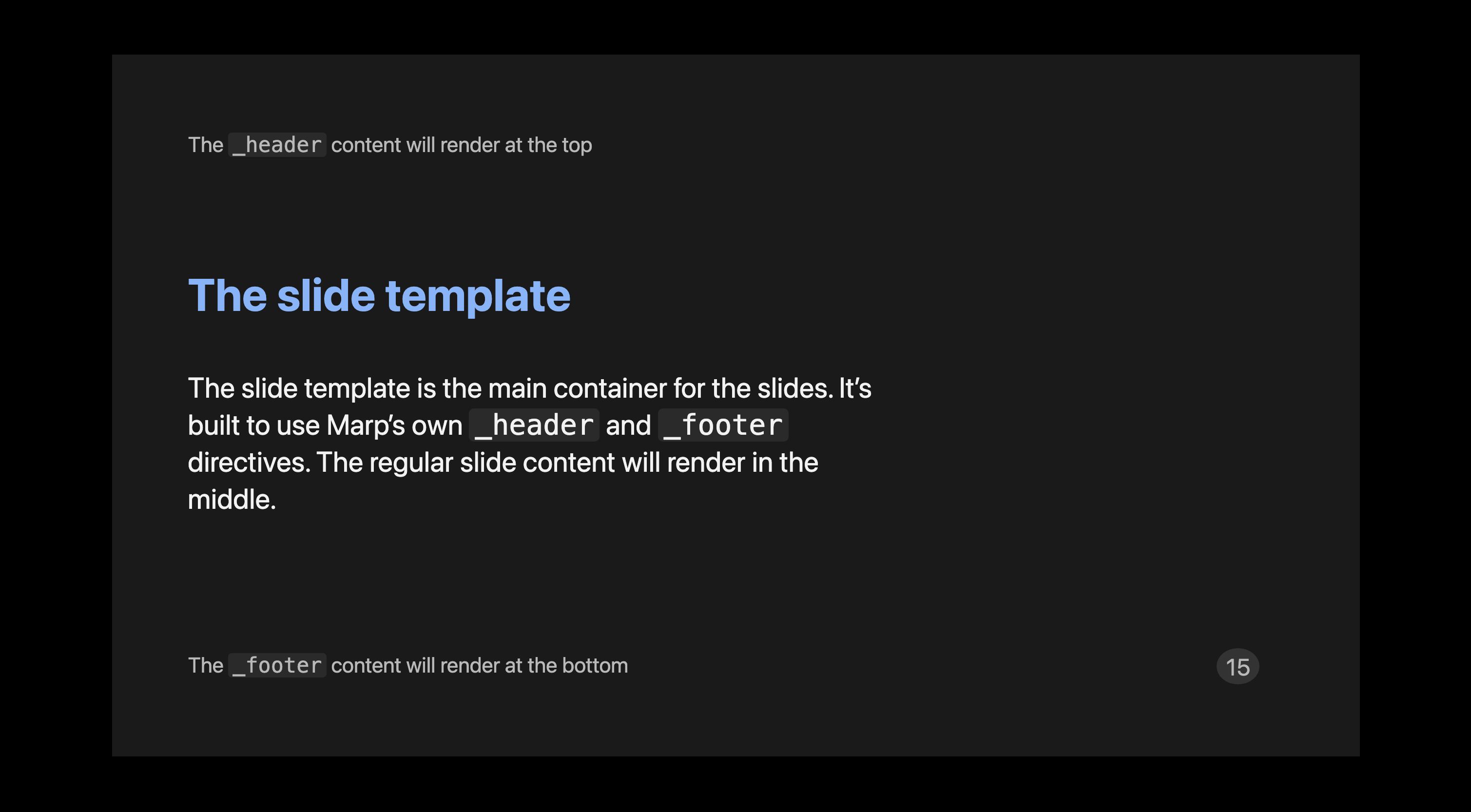
Every slide is built on a template with real header and footer zones, filled by Marp’s own header: and footer: directives.
A layout: directive picks a whole-slide look, covering the standard PowerPoint set, for example, title, section, two-content, comparison, picture-caption etc.
Slides can be customised further with layout helpers, for example, columns, grid, sidebar, frame etc.
Two themes ship out the box, basic and high-contrast, both authored in em units with automatic light and dark modes, and a documented theme template exists to copy and recolour.
Result
Sharing a deck is now the easy part. The slides live in markdown next to the talk notes, the build produces one accessible HTML file, and the GitHub Action publishes every deck on push, so the version people receive is always the version I’d want my name on.
At a glance
- Type
- Open Source
- Date
- 2021–2026
- Built with
- Links
- Tags