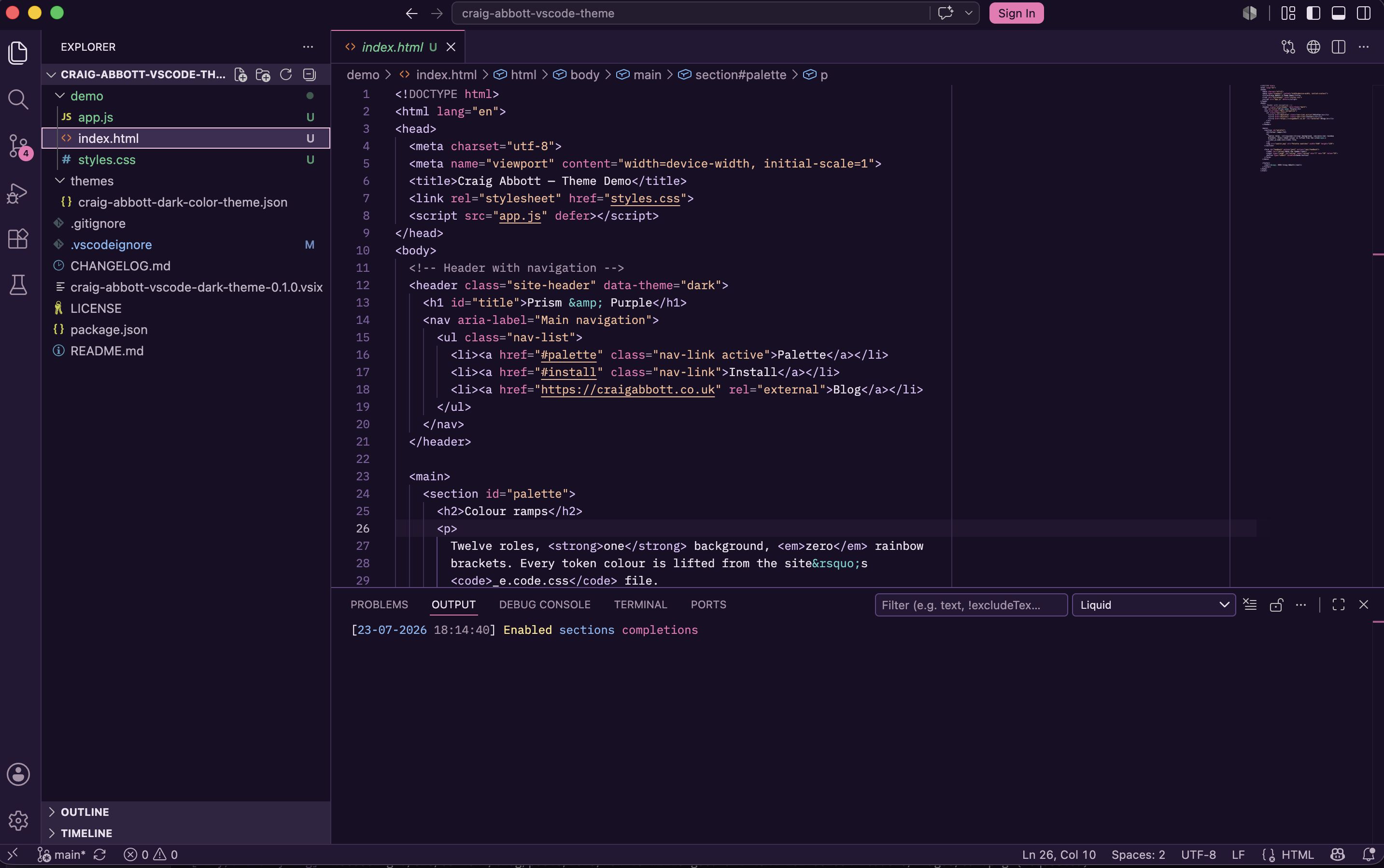
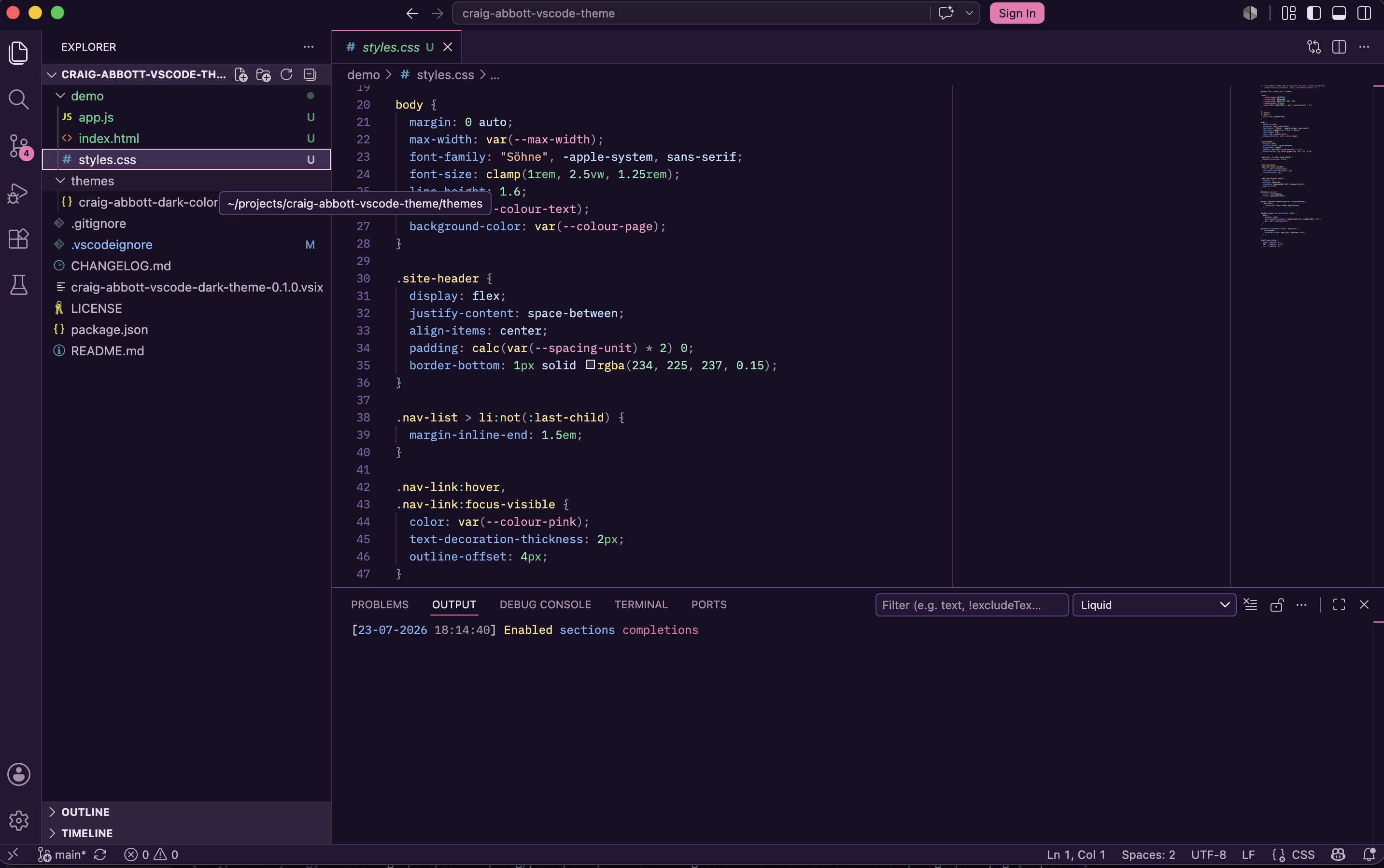
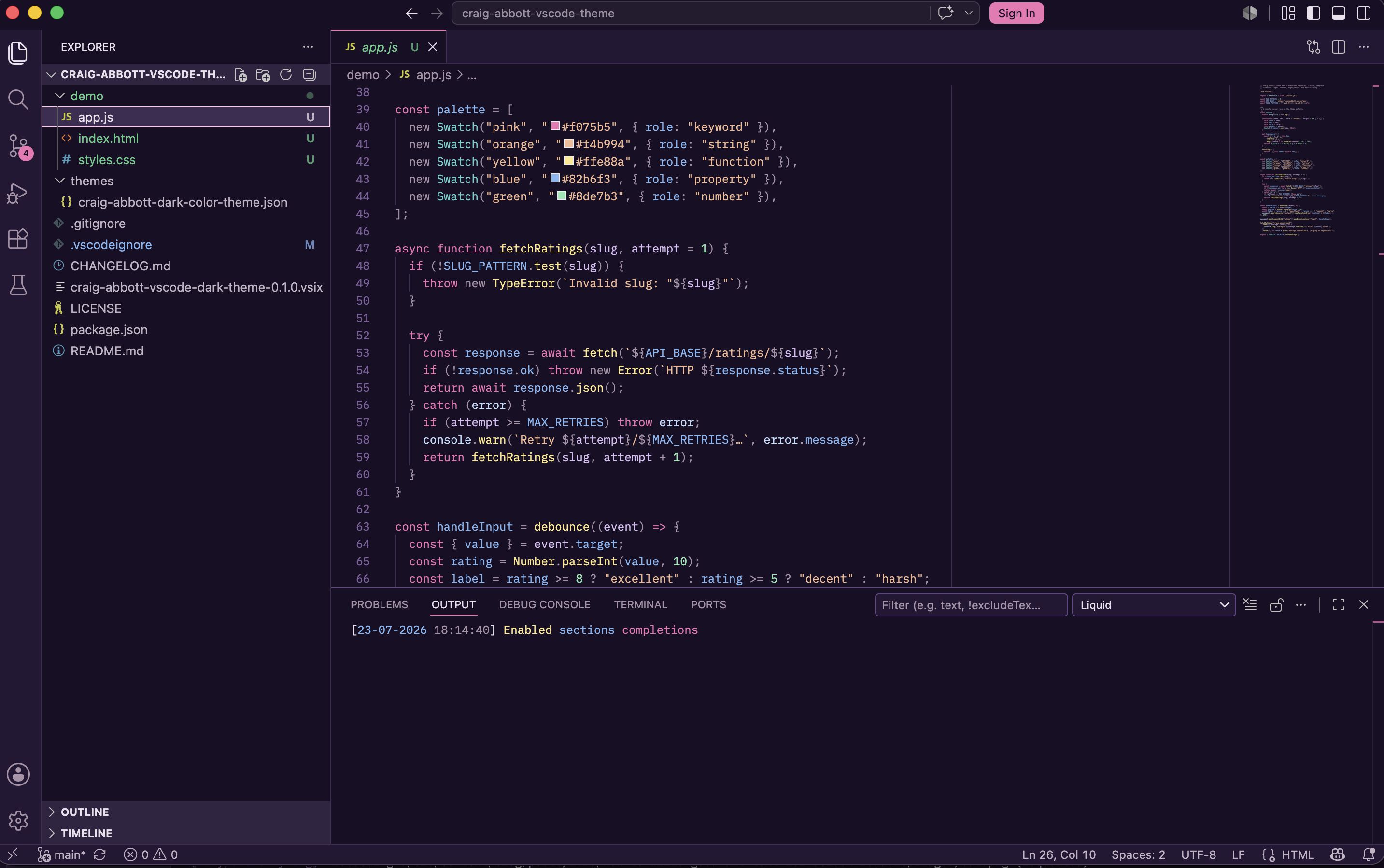
VSCode Dark Purple Theme
Porting my website’s custom PrismJS syntax highlighting into a Visual Studio Code theme, so writing the code feels the same as reading about it.
My VSCode dark theme for Visual Studio Code is based on my custom PrismJS syntax highlighting I use for code blocks on my website. The same purple background, the same pink keywords, the same colour for every token, in the editor and on the blog.
Situation
I spent a long time painstakingly creating my own PrismJS theme for this website. Every token type, from keywords to CSS units, has a colour assigned from the site’s design tokens. I personally love it. But, every time I opened my editor to write actual code, it looked dull and unfamiliar. I wanted the two to match.
Task
To turn my Prism stylesheet into a proper VSCode theme extension, I had to overcome two problems:
First, the site’s colours don’t exist anywhere as literal values. Something like --colour-pink-80 is resolved in the browser from a shared hue channel plus its saturation and lightness. So, every colour only becomes a hex value in the browser.
Second, PrismJS and VSCode speak different languages. Prism marks up a token as .token.attr-name, but VSCode uses TextMate scopes like entity.other.attribute-name. And, the two don’t map one-to-one.
Action
I resolved the full colour ramp maths into plain hex values. I then mapped each Prism token to its TextMate equivalents. For example, the rule for CSS selectors on the blog looks like the following:
pre code {
  --_colour-selector: var(--colour-yellow-77);
}
pre code .token.selector {
  color: var(--_colour-selector);
}
The rule for selectors in the VSCode theme looks like the following:
{
  "name": "CSS selectors (yellow-lighter)",
  "scope": [
    "entity.name.tag.css",
    "entity.other.attribute-name.class.css",
    "entity.other.attribute-name.id.css",
    "entity.other.attribute-name.pseudo-class.css"
  ],
  "settings": { "foreground": "#ffe88a" }
}
Prism paints a whole CSS selector in one colour, but VSCode splits selectors into separate scopes for tags, classes, IDs and pseudo-classes. So, one Prism rule often needs to be split out into several TextMate scopes. Which is annoying!
The theme also covers the workbench itself. The editor is the site’s page colour, the panels use the site’s surface colour, the cursor and selection use the pink from my branding, and the integrated terminal gets its ANSI colours from the same colour mappings.
Some things unfortunately didn’t survive the port. VSCode themes can only set solid colours, so the subtle striped background and the soft glow behind tokens I use on the blog had to be dropped. I could have achieved it using extensions, but I figured keeping it a native theme was more important.
Result
The theme is installed as a VSCode extension, and published on GitHub. It was purely for myself, but I’ve open sourced it in case purple and pink is your vibe! Anybody can package it with vsce or symlink it into their extensions folder. Your code will then look the same in your editor as it does on my blog.
At a glance
- Type
- Open Source
- Date
- 2026–2026
- Built with
- Links